
A LITTLE GAME. A LOT OF COZY.
A little box.
A whole family of cats.
Two matching cats. One new friend. And a little world where you can just be yourself. Or, perhaps, a little bit of a cat.
- No ads
- At your own pace
- iPhone & iPad
The cats like a little pat↗
IT STARTS WITH ONE LITTLE MEOW
Little paws.
Big personalities.
From tiny Crumb to King Purr: 11 cats in the box. Merge matching friends, discover new faces and grow your own feline family.
JUST DROP YOUR FIRST CAT
A couple of cats.
And you’re home.
Pick a spot and drop a cat into the box. Two matching cats meet, and someone a little bigger appears. Make a chain of merges and see how fluffy things can get.
- 01
Drop
One finger. A little feline physics.
- 02
Merge
Matching cats become a new friend.
- 03
Smile
Every merge is a little win.
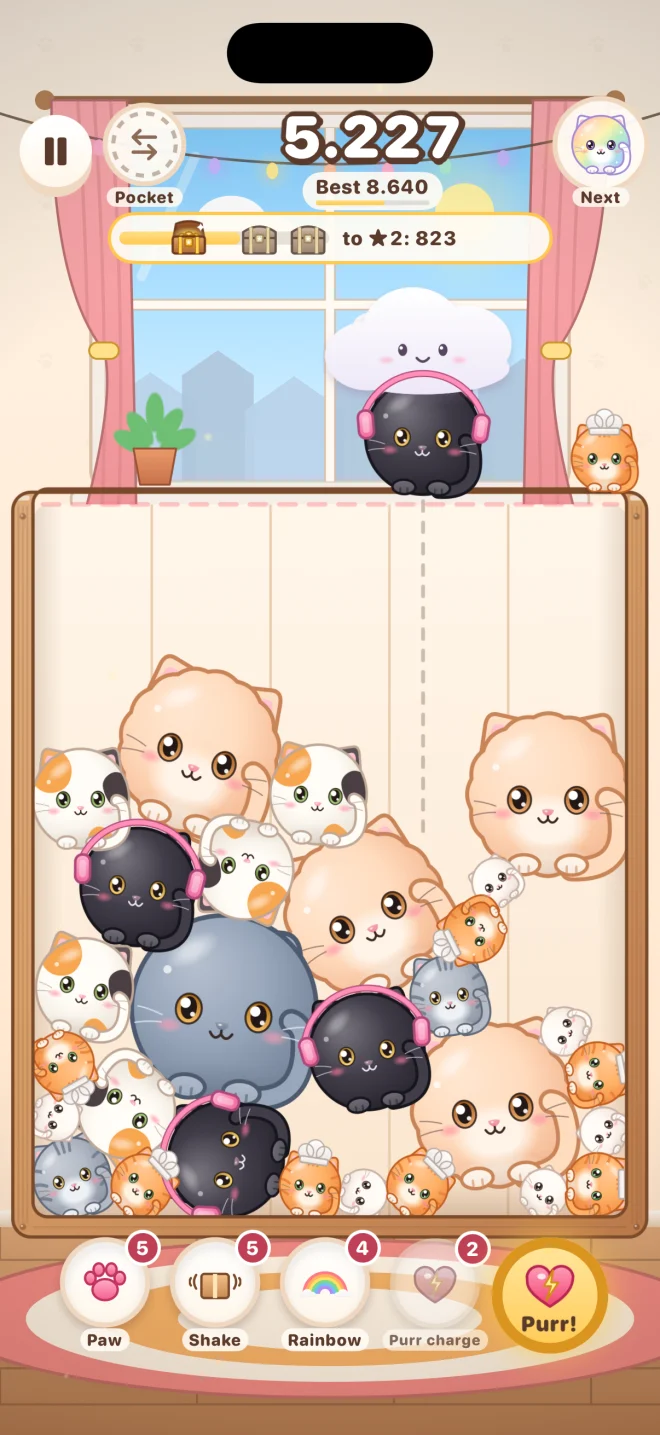
A box full of possibilities.
Build combos, open chests and find your next personal best.
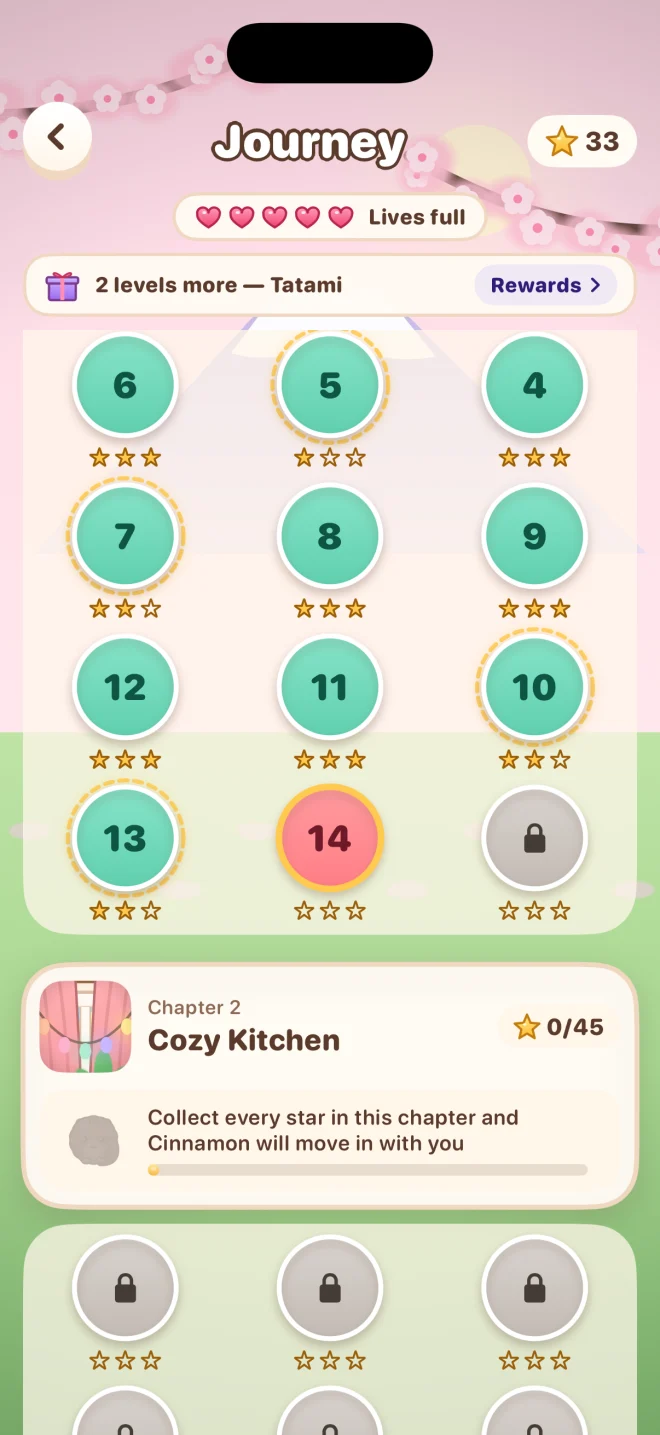
Another chapter. Another friend.
Explore levels with different goals, collect stars and meet the cats of each new chapter.
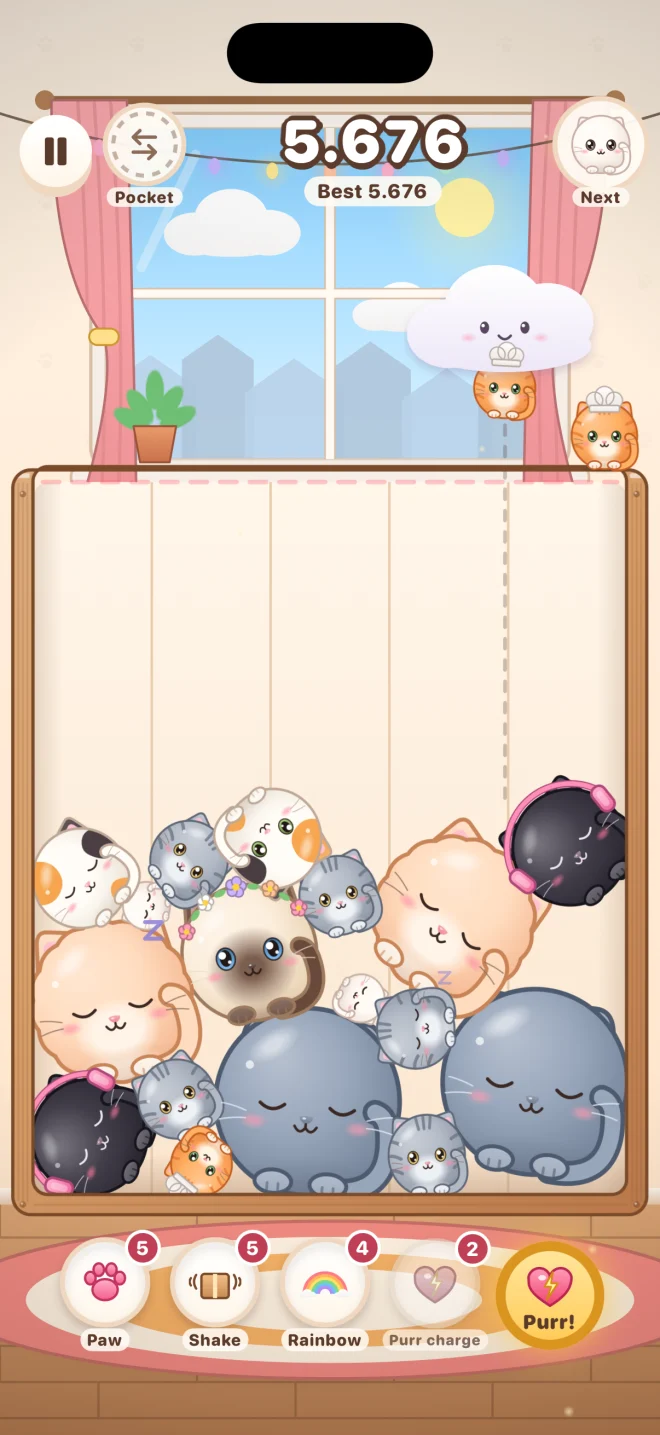
The world can wait.
A mode without losing. Just cats, satisfying merges and your own gentle rhythm.
Actual game screenshots
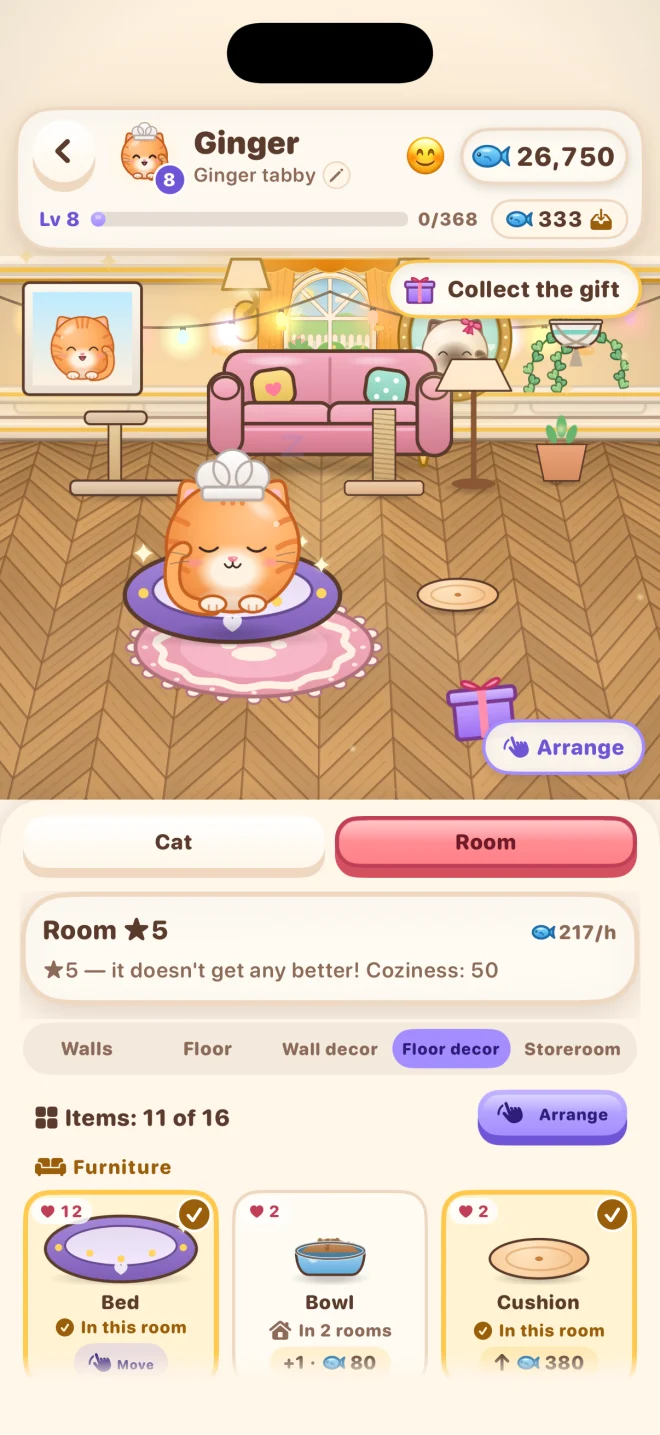
A LITTLE CORNER OF THEIR OWN
Home is where
your cats are.
Every new friend gets a room. Choose wallpaper, move the furniture and bring in a favorite bed. Feed, pat and play: little rituals make a house a home.
A LITTLE FELINE FASHION
Big personality.
Just add a little hat.
A bow or a witch’s hat? A flower crown or a chef’s toque? Try on outfits and find a look for every friend.
A little space
to breathe.
No ads
Nothing interrupts that perfect merge.
Play offline
Your cats are always close. Purchases and Apple services need an internet connection.
No game account needed
Just open and play. iCloud and Game Center use your Apple Account.
Is the game free?
Yes. All modes and levels are free to play. Optional purchases include gems, bundles and additional content. There are no ads.
How do I move my progress to another iPhone or iPad?
Sign in to the same Apple Account on both devices with iCloud enabled. The game uses your private iCloud storage. You can check sync status and backups in Settings → “Progress & iCloud”.
How do I restore purchases?
Choose “Restore purchases” in the game’s settings while using the Apple Account that made the purchase. One-time purchases can be restored. Previously delivered gems and boosters are not granted again.
Can I play without internet?
Yes, the core game works offline. Purchases, purchase restoration, iCloud sync and sending results to Game Center need an internet connection.
Where is my progress, and how can I delete it?
It stays on your device and, when iCloud is available, in your private Apple storage. Resetting keeps a local backup. You can find the full steps on our “Your data” page.
THERE’S ALREADY A PLACE FOR YOU
Your little cat family
is on its way.
We’re getting Meowfall ready for iPhone and iPad. Until then, meet the game and a few of its future residents.
Coming to the App StoreiPhone & iPad · iOS 17+Contact the developer